Never Miss a Change Again on Your Website
Captuvate gives you complete control over your website's documentation history. Track all your design changes, including ad landing pages that Wayback Machine often misses.
Start documenting your website changes today. No credit card required.
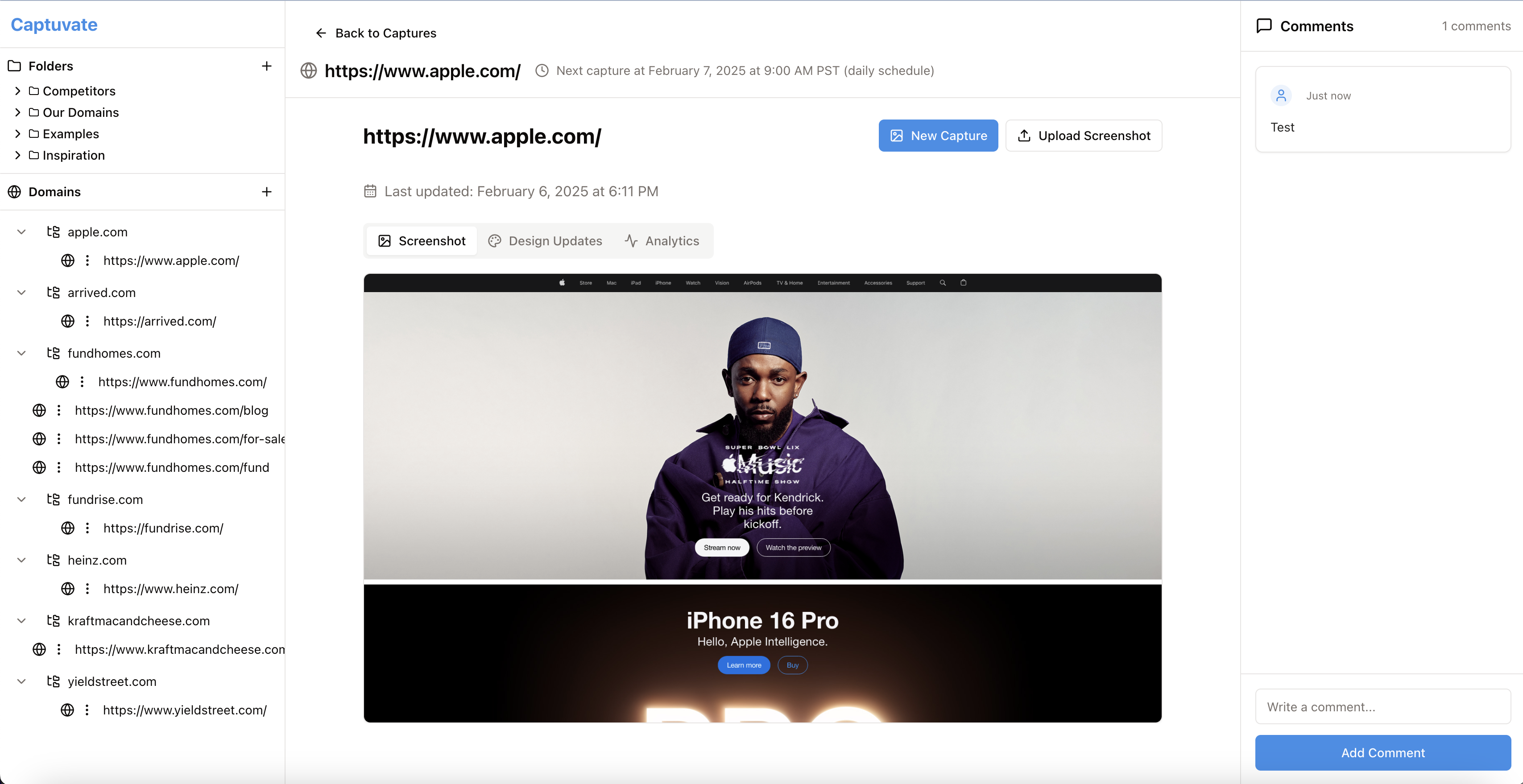
Why You Need Your Own Website Documentation System
Public archives like Wayback Machine don't give you the control and coverage you need for your business website.
Missing Ad Landing Pages
Wayback Machine often misses your ad landing pages and temporary campaign pages—critical assets you need to document.
Inconsistent Captures
Wayback Machine captures are sporadic and unpredictable. With Captuvate, you control exactly when and what gets captured.
Limited Organization
Take full control of how your website history is organized. Categorize by project, feature, or team—making it easy to find what you need.
Your Complete Website Documentation Solution
Captuvate gives you full control over your website's documentation history, ensuring you never miss an important change again.
Capture Ad Landing Pages
Document all your ad landing pages and campaign-specific content that Wayback Machine often misses.
Schedule Consistent Captures
Set automated capture schedules to perfectly align with your testing calendar and analytics reporting periods.
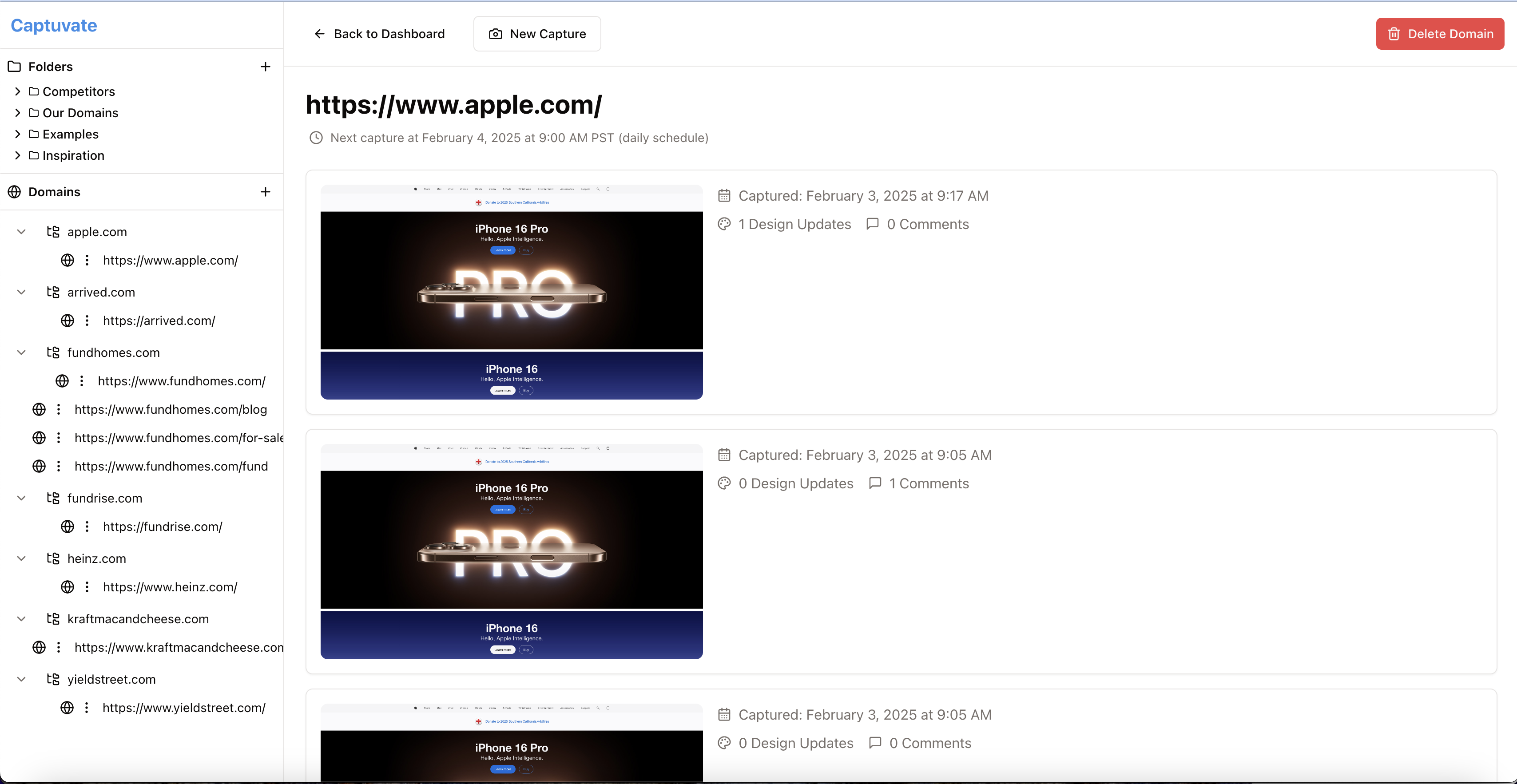
Conversion Data Comparison (Coming Soon)
Soon you'll be able to integrate with your analytics tools to visualize how design changes impact conversion rates over time.
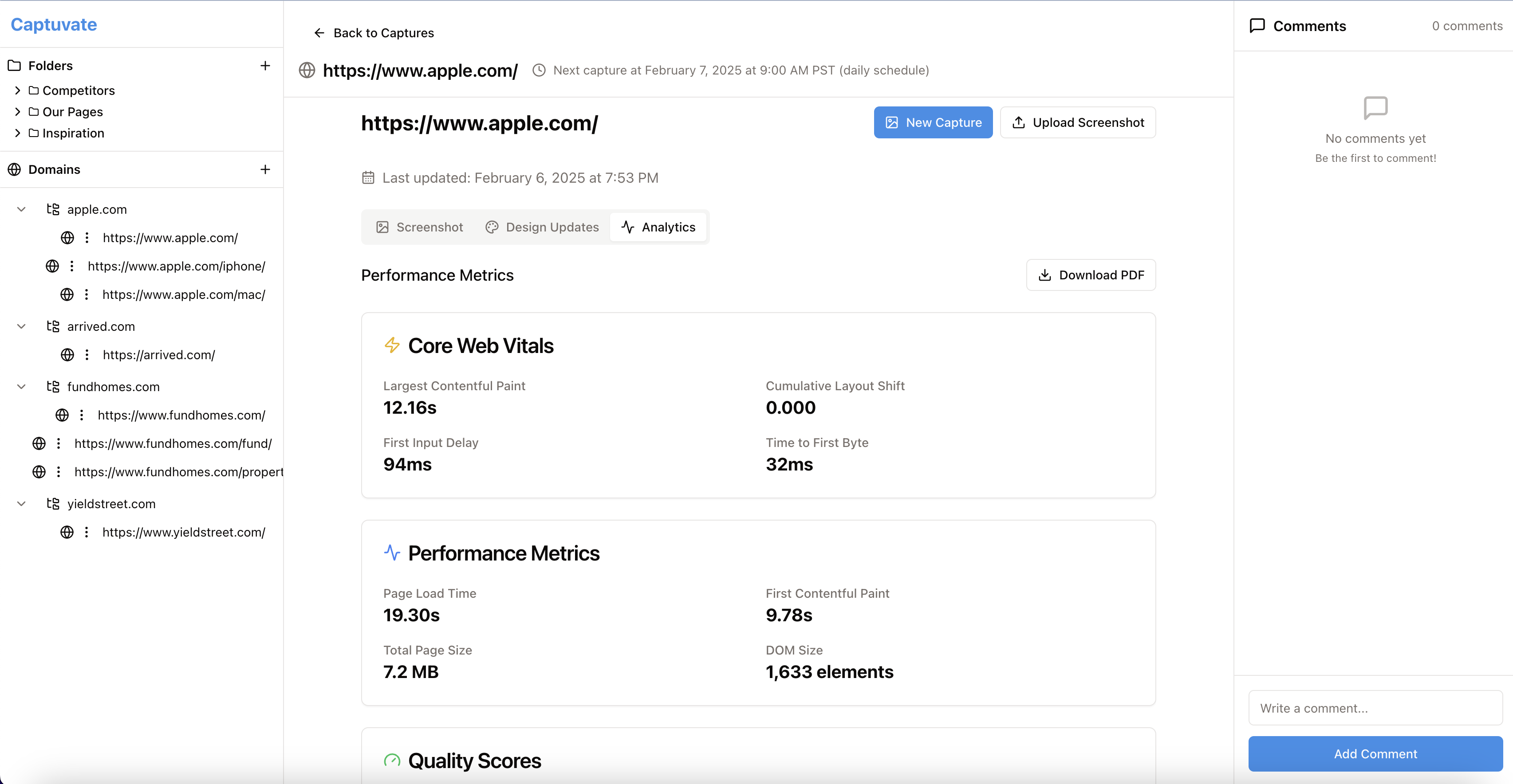
Captuvate vs. Wayback Machine
See how Captuvate provides everything CRO teams need that Wayback Machine cannot deliver.
| Feature | Wayback Machine | Captuvate |
|---|---|---|
| Ad Landing Pages Capture | ||
| Scheduled Captures | ||
| Analytics Integration (Coming Soon) | ||
| A/B Test Variant Tracking | ||
| Conversion Funnel Organization | ||
| Team Collaboration Tools | ||
| Historical Public Pages |
Perfect for Conversion Rate Optimization Teams
See how CRO professionals use Captuvate to improve their workflow and results.
Track Checkout Flow Evolution
Document every change to your checkout process and correlate with conversion rates. Identify which design elements improve completion rates.
- Capture all steps in your checkout process
- Track mobile and desktop variations
- Document form field changes and their impact
- Correlate design changes with abandonment rates
Optimize Landing Page Performance
Maintain a complete history of landing page tests and their performance. Build institutional knowledge of what works for your audience.
- Organize captures by campaign and audience segment
- Document A/B test variants with performance data
- Build a searchable library of past designs
- Identify seasonal trends in design effectiveness
Track Campaign Landing Pages
Document all your ad landing pages and campaign-specific content to build a complete history of your marketing assets.
- Capture temporary campaign pages before they expire
- Document seasonal promotional content
- Build a library of past marketing materials
- Compare design evolution across campaigns
Enhance Cross-Team Collaboration
Create a single source of truth for design history that marketing, design, and development teams can all access and contribute to.
- Share design evolution with stakeholders
- Document rationale behind design decisions
- Maintain consistent design language over time
- Onboard new team members with complete context
Start Documenting Your Website Today
Sign up for free and take control of your website's documentation. Capture everything, including ad landing pages that Wayback Machine misses.
No credit card required. Start capturing your website's evolution immediately.
Frequently Asked Questions
Common questions about Captuvate as a Wayback Machine alternative.
How does Captuvate capture ad landing pages that Wayback Machine misses?
Captuvate uses scheduled captures and direct URL monitoring to ensure your ad landing pages and temporary campaign pages are documented, even when they're only live for short periods that Wayback Machine might miss.
Can I import my existing Wayback Machine archives?
Yes, we are developing an import tool that will allow you to bring in your existing Wayback Machine archives to create a complete historical record alongside your new Captuvate captures.
Will Captuvate integrate with analytics tools?
Yes! We're currently developing integrations with popular analytics platforms like Google Analytics, Adobe Analytics, and Mixpanel. Soon you'll be able to correlate design changes with performance metrics, giving you clear insights into how design impacts conversion.
Is Captuvate secure for enterprise use?
Absolutely. Captuvate is built with enterprise-grade security, including SOC 2 compliance, data encryption, and role-based access controls to ensure your sensitive design assets and credentials are protected.
How do I get started with Captuvate?
Simply sign up for a free account, and you can start documenting your website immediately. Our intuitive interface makes it easy to set up your first capture in minutes.
Never Miss a Website Change Again
Sign up for free today and take full control of your website's documentation history.
Sign Up Free